Turn the request into a completed next step.

System integration services workflow interface showing an owned business result
Step 1
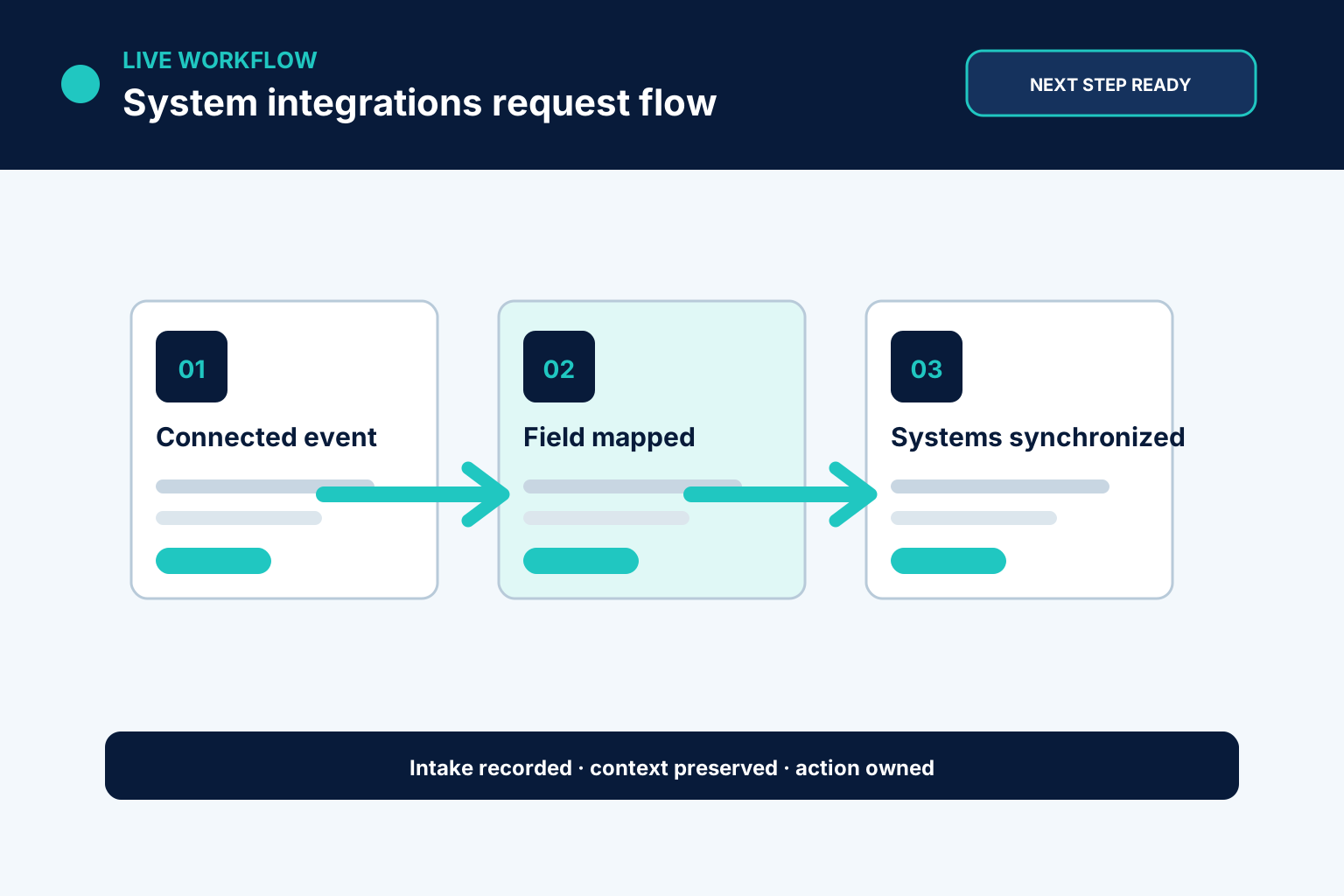
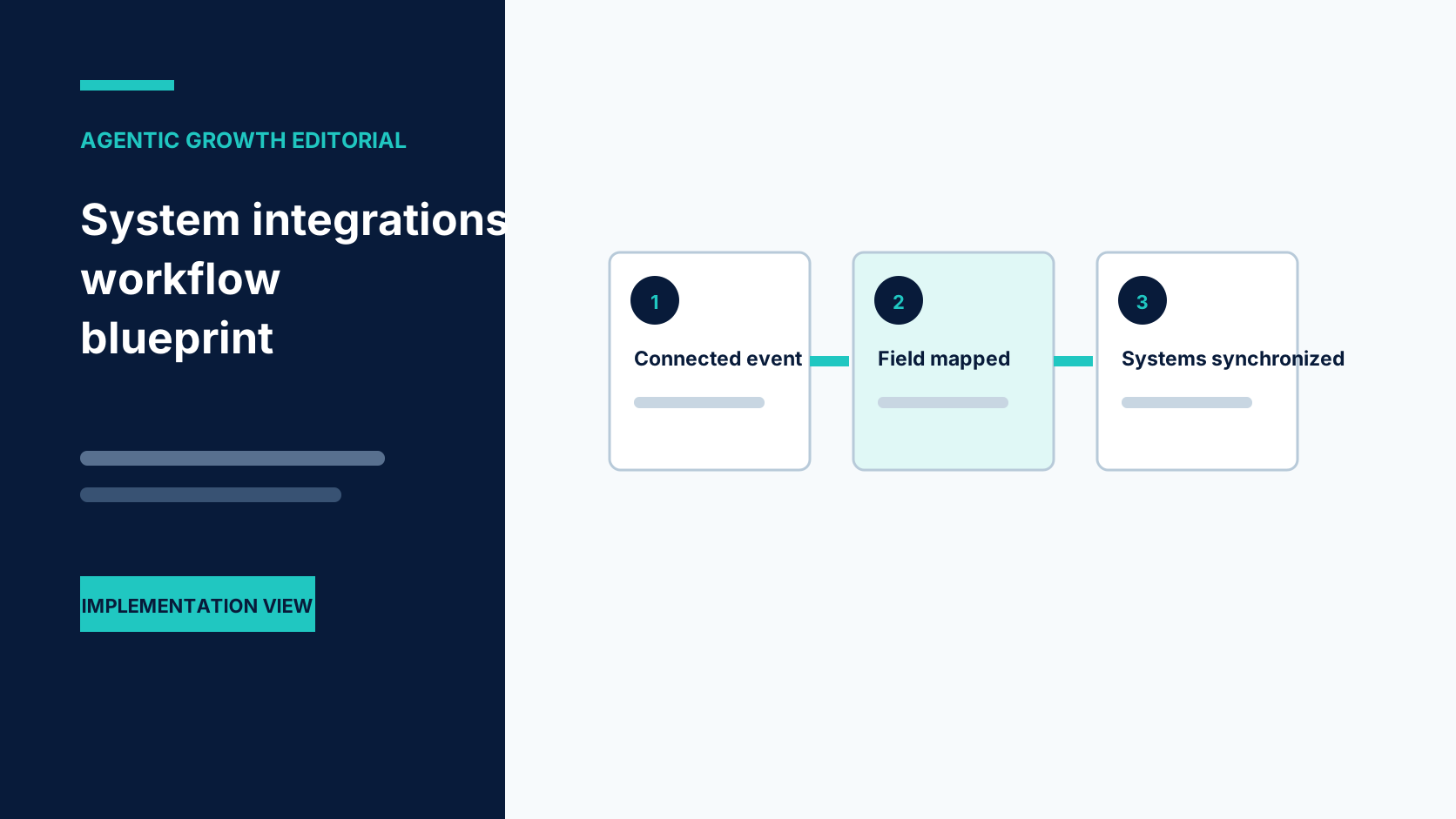
Map systems
We list the tools, data fields, triggers, and business rules involved.
System integration services workflow interface showing an owned business result
Step 2
Choose connection method
We use supported integrations, webhooks, APIs, exports, or databases where appropriate.
System integration services workflow interface showing an owned business result
Step 3
Build data flow
We configure triggers, filters, transformations, and destination actions.

What we actually build.

Each part is scoped around your real process, approved rules, connected tools, and the people who remain responsible.
Instant response visual for Agentic Growth AI booking
Lead capture connections
Calls, forms, landing pages, and ads can enter the CRM with source and next action.
Online booking visual for Agentic Growth
Calendar connections
Qualified leads can book, receive confirmations, and trigger reminders.
Lead capture visual for Agentic Growth
Support connections
Customer calls or messages can create tickets with summaries and priorities.
Custom AI chat visual for Agentic Growth websites
Revenue connections
Checkout events can trigger follow-up, review requests, recovery flows, and reporting updates.
hours visual for AI forms and online booking
Reporting connections
Data from multiple tools can feed dashboards or recurring reports.
Garage door service booking visual for Agentic Growth
Documentation
Your team can see what triggers what and where data goes.

What happens after we build it.

The value is the completed business action, the visible record, and the person who owns the exception.

MAP

source and destination fields

CONNECT

supported interfaces

VALIDATE

sync and duplicate checks

MONITOR

owned failure route
System integration services workflow interface showing an owned business result

Where this pays off fast.

System integration services workflow interface showing an owned business result

Website form to CRM to SMS follow-up

Calls, forms, landing pages, and ads can enter the CRM with source and next action.

AI call summary to CRM note and team alert

We use supported integrations, webhooks, APIs, exports, or databases where appropriate.
Music Wave
System integration services workflow interface showing an owned business result

Appointment booking to reminder workflow

Customer calls or messages can create tickets with summaries and priorities.
Music Wave

Checkout event to post-purchase sequence

We check duplicates, missing fields, delays, and error notifications.
Music Wave
System integration services workflow interface showing an owned business result

Support intake to ticket and escalation

Data from multiple tools can feed dashboards or recurring reports.

Spreadsheet data to recurring dashboard

We list the tools, data fields, triggers, and business rules involved.
System integration services workflow interface showing an owned business result

What this service solves.

Disconnected tools force your team to become the integration. People copy data, update spreadsheets, check inboxes, create tasks, and send status updates manually. This creates errors, delays, duplicate records, and poor visibility.

Map systems

We list the tools, data fields, triggers, and business rules involved.
System integration services workflow interface showing an owned business result

Choose connection method

We use supported integrations, webhooks, APIs, exports, or databases where appropriate.

Built around your business—not a generic template.

We define the scope, access, rules, testing, ownership, records, and exception handling around your actual process.
System integration services workflow interface showing an owned business result
Map systems
We list the tools, data fields, triggers, and business rules involved.
System integration services workflow interface showing an owned business result
Choose connection method
We use supported integrations, webhooks, APIs, exports, or databases where appropriate.
System integration services workflow interface showing an owned business result
Build data flow
We configure triggers, filters, transformations, and destination actions.
System integration services workflow interface showing an owned business result
Test failures
We check duplicates, missing fields, delays, and error notifications.
Case studies

Proof, not promises.

Select a company to review its challenge, implemented workflow, and client-reported outcome. Each example is implementation-specific, not independently verified, not evidence of results for business system integrations, and not a guarantee.

Questions smart buyers ask.

Often yes, if the tool has an API, webhook, export, database access, or another reliable connection method.

Usually no. We first look at how to connect your existing tools.

Yes. AI call outcomes can create contacts, add notes, update stages, trigger tasks, or notify your team.

Yes. We can provide workflow documentation so your team understands what triggers what.

We scope, configure, connect, test, document, and launch a focused business system integration workflow around your process and current tools.

No. Agentic Growth is an implementation partner. We configure suitable tools and integrations around the way your business already works.

We map the current systems, owners, supported interfaces, authentication, fields, events, data quality, and required destinations.

Your team approves source ownership, field mappings, permitted writes, credentials, error handling, monitoring, and rollback.

Unavailable interfaces, expired access, invalid records, duplicates, and failed writes are logged and routed for recovery.

A focused workflow can often be planned and tested in weeks. Timing depends on access, integrations, approvals, data quality, and the number of paths involved.

Yes. We test normal requests, incomplete information, duplicates, unavailable options, failures, and human handoffs before launch.


Client ImageClient Image

Let’s Talk

Call or book a short workflow review to map the first system integrations process around your team and tools.

Ready to stop doing this manually?

Bring us one repeated task, missed opportunity, or disconnected process. We will map a focused implementation and show where people stay in control.