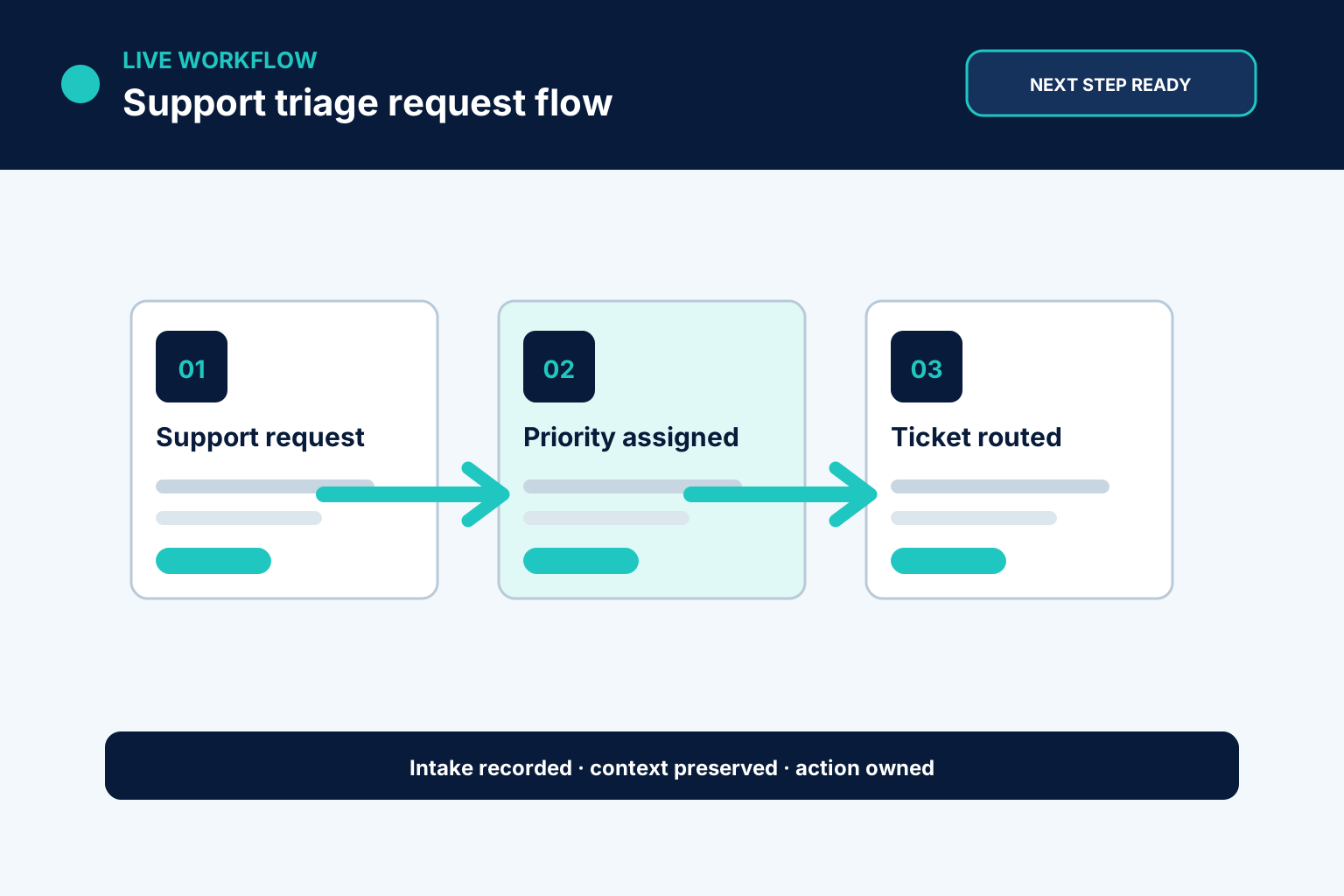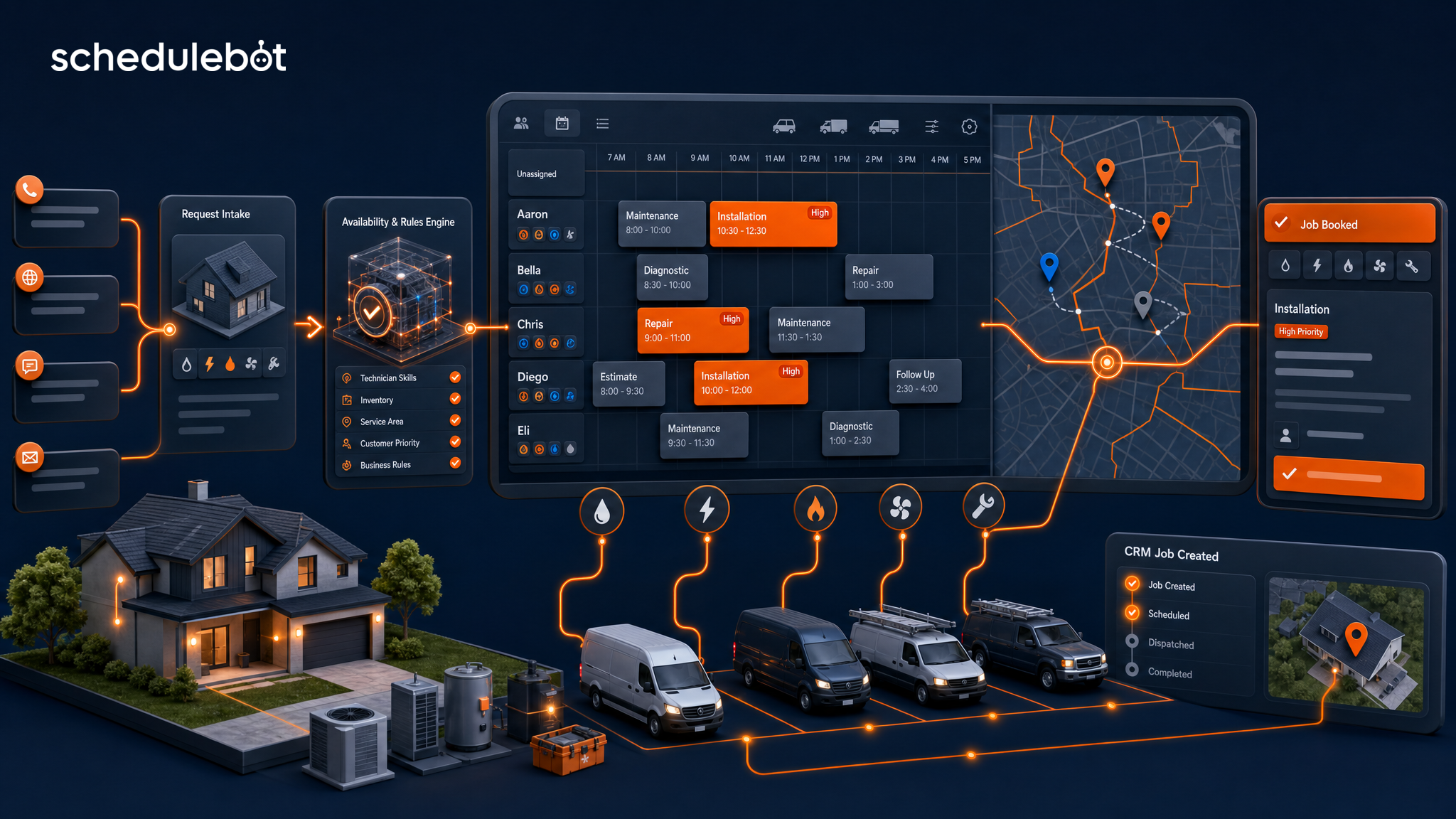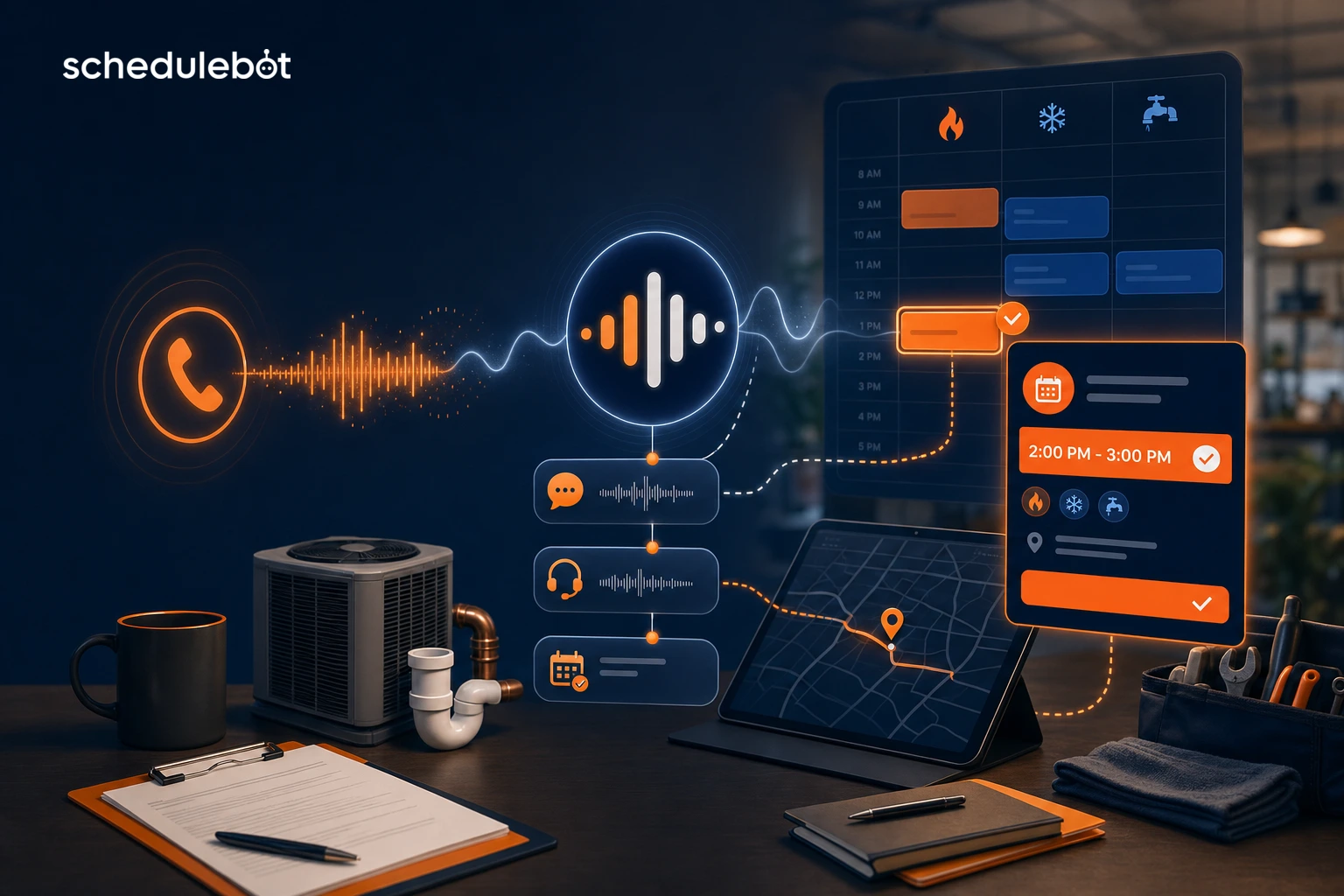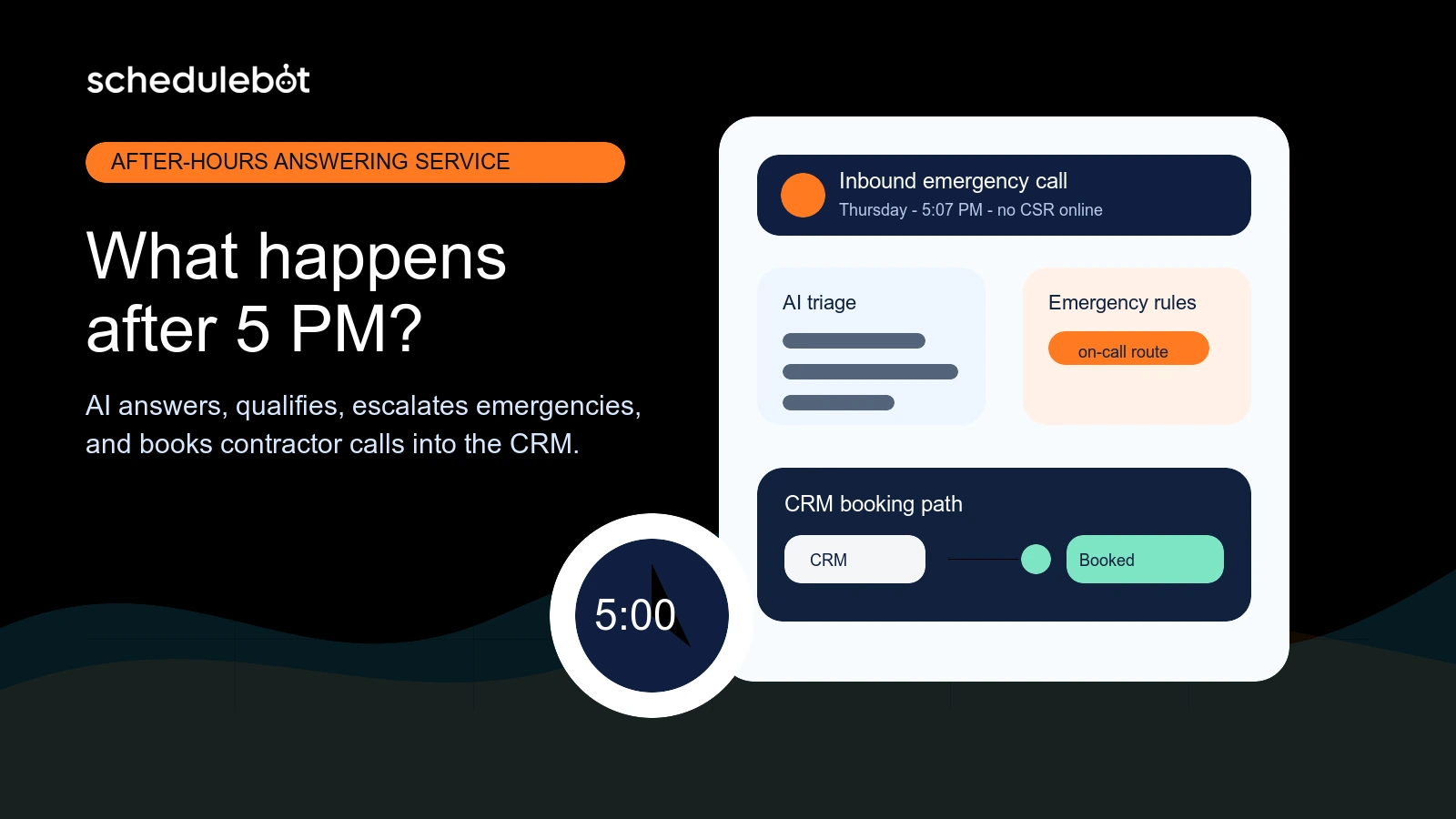
From request to completed action with support triage and ticketing.

Support triage and ticketing workflow interface showing an owned business result
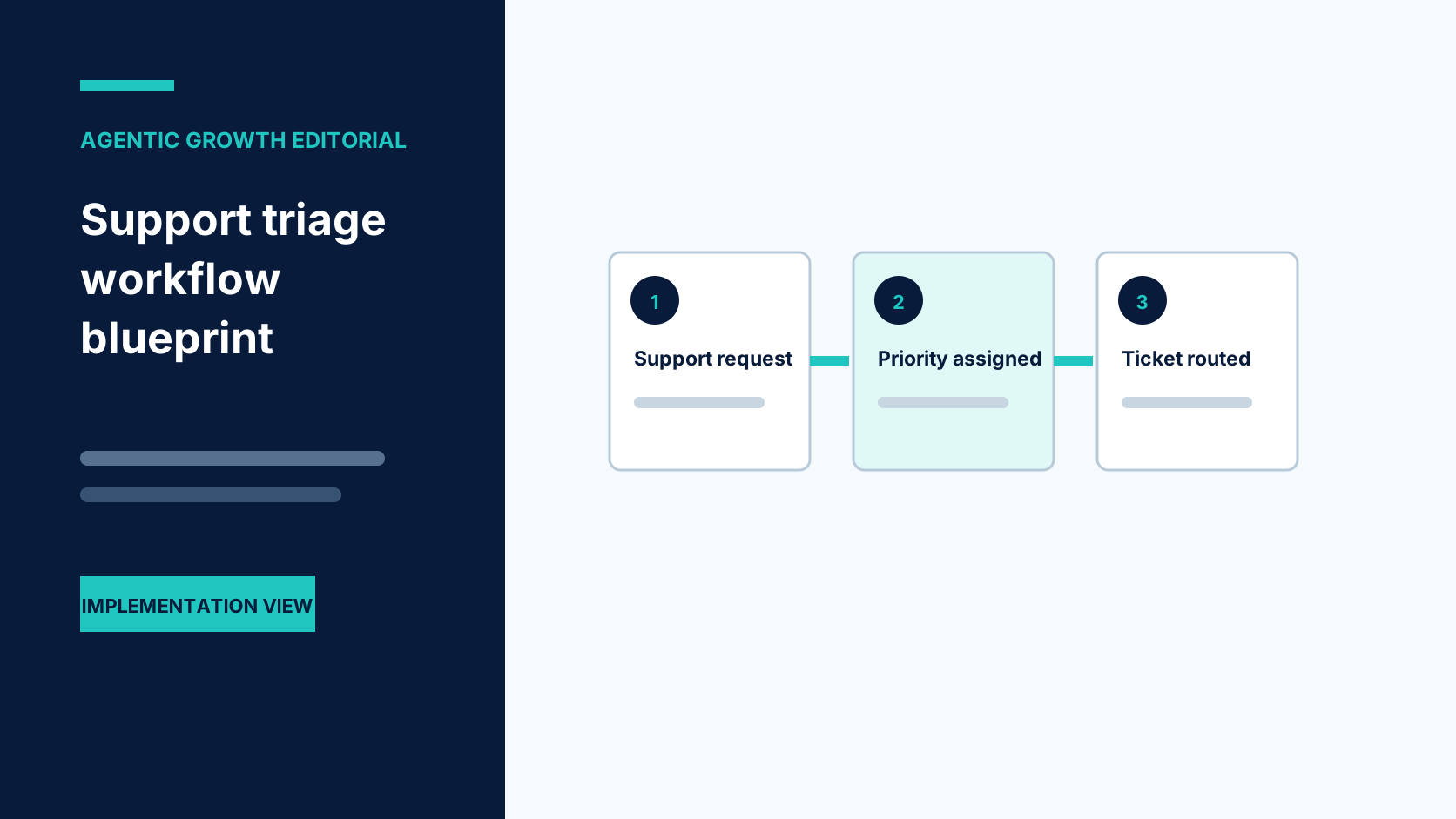
Step 1
Audit request types
We review support channels, categories, priorities, and handoff rules.
Support triage and ticketing workflow interface showing an owned business result
Step 2
Define triage logic
We document how issues should be classified, routed, and escalated.
Support triage and ticketing workflow interface showing an owned business result
Step 3
Build workflow
We connect inboxes, forms, calls, tickets, CRM, notifications, and reporting.

What we implement for support triage and ticketing.

Each part is scoped around your real process, approved rules, connected tools, and the people who remain responsible.
Instant response visual for Agentic Growth AI booking
Request classification
Sort messages by type, urgency, customer status, product, or department.
Online booking visual for Agentic Growth
Ticket routing
Send issues to the right person or queue based on rules.
Lead capture visual for Agentic Growth
Summaries
Create concise internal notes from calls, emails, chats, or forms.
Custom AI chat visual for Agentic Growth websites
Suggested replies
Draft responses from approved knowledge while keeping humans in control.
hours visual for AI forms and online booking
Escalation alerts
Flag urgent, high-value, angry, or sensitive cases.
Garage door service booking visual for Agentic Growth
Reporting
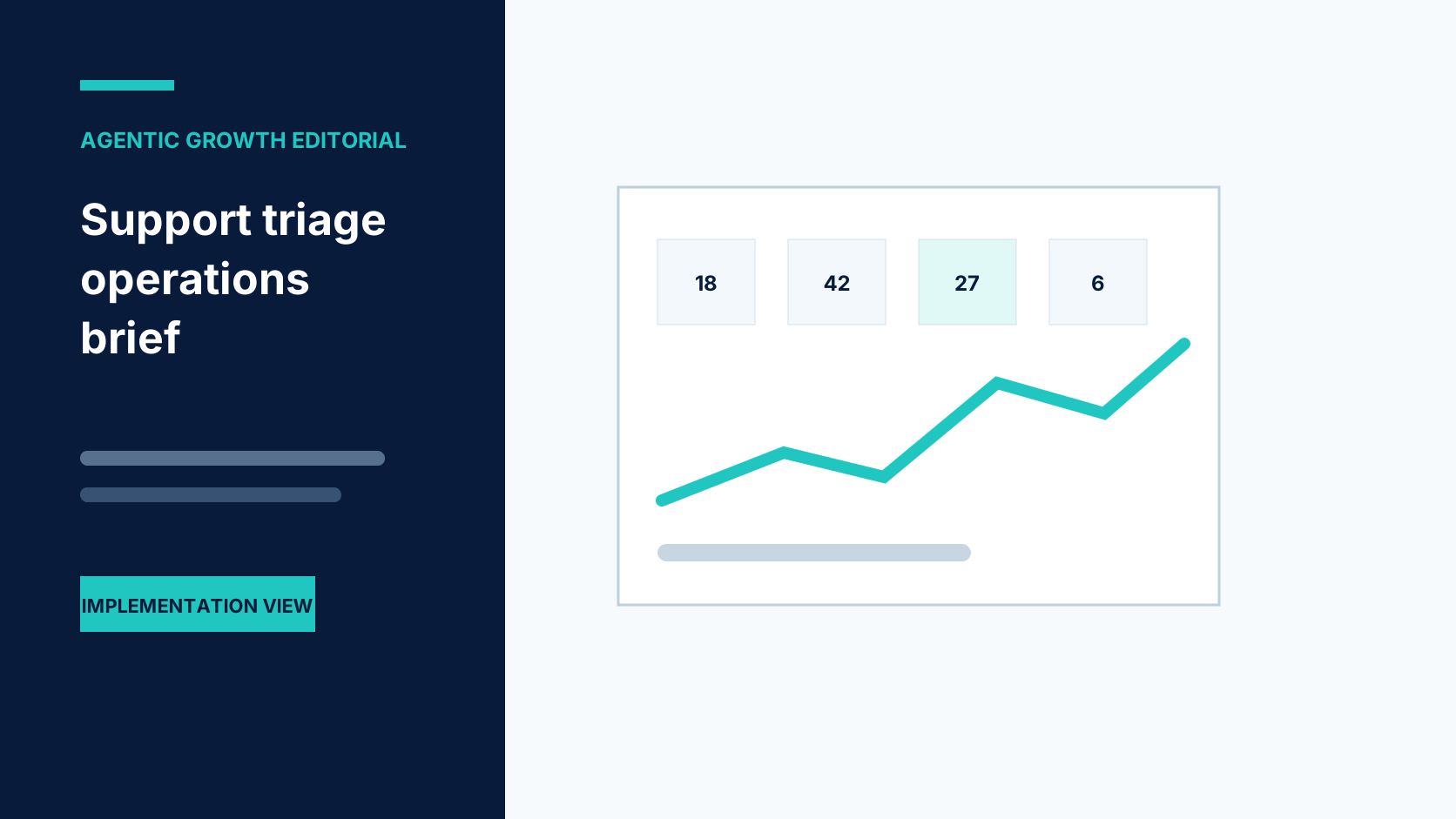
Track issue categories, response load, and workflow gaps.

What the implemented workflow completes.

The value is the completed business action, the visible record, and the person who owns the exception.

INTAKE

complete request details

TRIAGE

intent and urgency

DRAFT

reviewable response

ASSIGN

visible ticket owner
Support triage and ticketing workflow interface showing an owned business result

See support triage and ticketing in action.

Support triage and ticketing workflow interface showing an owned business result

Customer support inbox triage

When "Customer support inbox triage" arrives, the workflow captures the context needed to classify the request correctly. Sort messages by type, urgency, customer status, product, or department.

AI call summary to support ticket

We document how issues should be classified, routed, and escalated.
Music Wave
Support triage and ticketing workflow interface showing an owned business result

Ecommerce order issue routing

Create concise internal notes from calls, emails, chats, or forms.
Music Wave

SaaS support request classification

When "SaaS support request classification" arrives, the workflow captures the context needed to classify the request correctly. We test urgent issues, unclear messages, unhappy customers, and unsupported requests.
Music Wave
Support triage and ticketing workflow interface showing an owned business result

Clinic admin request routing

Flag urgent, high-value, angry, or sensitive cases.

Internal help desk workflow

We review support channels, categories, priorities, and handoff rules.
Support triage and ticketing workflow interface showing an owned business result

What this service solves.

Support teams often spend too much time reading, labeling, routing, and summarizing requests before real problem solving begins. Important issues can get buried while simple questions consume attention.

Audit request types

We review support channels, categories, priorities, and handoff rules.
Support triage and ticketing workflow interface showing an owned business result

Define triage logic

We document how issues should be classified, routed, and escalated.

How we tailor support triage and ticketing to your business.

We define the scope, access, rules, testing, ownership, records, and exception handling around your actual process.
Support triage and ticketing workflow interface showing an owned business result
Audit request types
We review support channels, categories, priorities, and handoff rules.
Support triage and ticketing workflow interface showing an owned business result
Define triage logic
We document how issues should be classified, routed, and escalated.
Support triage and ticketing workflow interface showing an owned business result
Build workflow
We connect inboxes, forms, calls, tickets, CRM, notifications, and reporting.
Support triage and ticketing workflow interface showing an owned business result
Test edge cases
We test urgent issues, unclear messages, unhappy customers, and unsupported requests.
Case studies

Relevant Agentic Growth implementation evidence

Select a company to review its challenge, implemented workflow, and client-reported outcome. Each example is implementation-specific, not independently verified, not evidence of results for support triage and ticketing, and not a guarantee.

Frequently asked questions

It can, but we often recommend starting with AI-drafted replies and human approval for quality control.

Yes. Urgency, sentiment, keywords, customer status, and issue type can trigger escalation.

Yes. Call summaries can become support notes or tickets when connected to the workflow.

It can reduce routing, summarization, repetitive drafting, and status-update work.

We scope, configure, connect, test, document, and launch a focused support triage and ticketing workflow around your process and current tools.

No. Agentic Growth is an implementation service provider. We configure suitable tools and integrations around the way your business already works.

We assess support channels, ticketing, customer records, knowledge sources, routing rules, permissions, and supported interfaces.

Your team approves categories, priority rules, required context, assignment, customer messages, escalation, and human-only decisions.

Unclear, sensitive, urgent, duplicate, or failed requests are held with context for the agreed support owner.

A focused workflow can often be planned and tested in weeks. Timing depends on access, integrations, approvals, data quality, and the number of paths involved.

Yes. We test normal requests, incomplete information, duplicates, unavailable options, failures, and human handoffs before launch.


Client ImageClient Image

Let’s Talk

Call or book a short workflow review to map the first support triage and ticketing process around your team and tools.

Ready to put support triage and ticketing to work?

Bring us one repeated task, missed opportunity, or disconnected process. We will map a focused implementation and show where people stay in control.