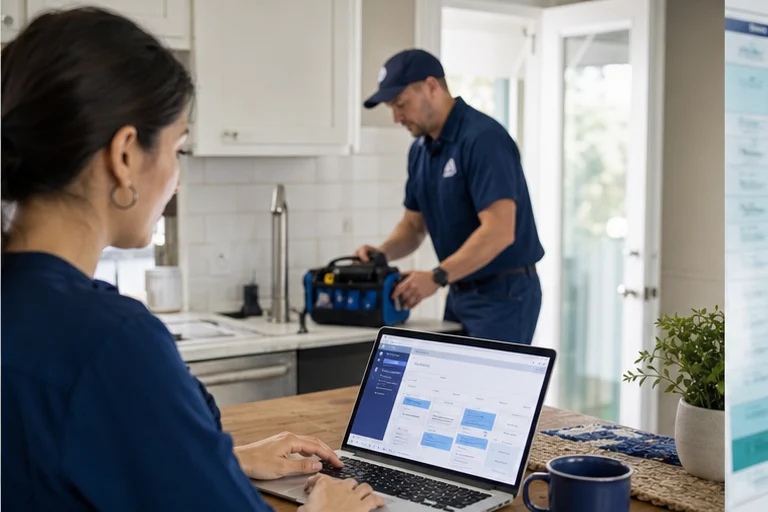



A calendar can show open space but cannot decide whether a request fits that space unless the surrounding rules are clear. HVAC scheduling needs service type, duration, technician capability, geography, dispatch policy, and priority before a slot becomes useful.
Why this matters now
The best workflow gives the caller a quick experience while doing the detailed checks in the background. If the requested time does not fit, it should deny the request politely and offer a valid alternative rather than forcing a bad booking.
HVAC scheduling has to translate a symptom into a workable dispatch commitment. The office must balance job type, technician capability, likely duration, territory, membership policy, and current capacity before it promises a window.
Where the workflow usually fails
Open time mistaken for capacity
A technician may be available but not qualified, nearby, or equipped for the request.
No alternative after denial
A rejected time should lead to another valid option or a clearly owned review.
Service notes without structure
Dispatch needs consistent fields, not a long transcript to interpret.
A better operating path
Create scheduling rules by HVAC call type, not one universal appointment. Qualify the request, assign the approved job type and duration, check valid capacity, confirm fees and expectations, then write a complete dispatch record.
- Map job typesSet durations, skill, territory, fee, and required questions.
- Qualify before availabilityCheck the request against approved constraints.
- Offer valid alternativesShow times that the operating team can honour.
- Confirm and notifyCreate the job, attach notes, and send customer confirmation.
Test a maintenance request during peak season, an older system with little information, a warranty question, a customer outside the core territory, and a specialist who is already full. The workflow should offer a valid alternative or staff review.
What to measure
Measure what happens after confirmation. A booking is useful when dispatch keeps the window, the assigned skill fits the work, and the technician receives enough context to start productively.
- First-choice availability rate
- Denied requests converted to alternatives
- Dispatch corrections after booking
Group reschedules and overrides by job type, territory, duration, and skill mismatch. Fix the highest-volume rule problem before opening more appointment types.
The implementation decision
Treat scheduling rules as an operating asset. Review them after season changes, staffing changes, and repeated booking exceptions.
Implementation checklist
- Define HVAC job types and required intake details
- Map each type to duration, skill, territory, and fee rules
- Read availability from the approved scheduling source
- Create alternatives for full, uncertain, or specialist work
- Confirm the window, policy, and preparation instructions
- Review dispatcher overrides and technician corrections
Field checks before launch
For HVAC scheduling rules, start with the operating facts that determine a usable outcome: job type, zone, system details, duration, technician skill, diagnostic fee, membership status, emergency capacity, arrival window, and customer confirmation. Write down which system owns each fact, which answers are required, and what the customer may be promised.
The scheduler should expose only options the operation can keep. Requests involving uncertain job scope, commercial equipment, safety issues, or special parts may require staff review before confirmation. Document that boundary in the script, interface, and fallback path so staff can understand why a request was booked, routed, or held for review.
Run realistic acceptance tests before launch, including same-day demand, unavailable preferred times, alternative dates, multi-system properties, maintenance-plan calls, duplicate customers, reschedules, and dispatch changes after confirmation. Record the expected customer message, destination record, owner, and recovery action for each case. After launch, review corrections and exceptions with the people who operate the workflow; those examples show where rules, access, or training need to change.
- Confirm service areas, job types, durations, skills, and fee rules
- Match offered times to real technician and equipment capacity
- Test weather surges, no availability, memberships, and estimate paths
- Review dispatcher corrections and schedule changes by job type
Make HVAC availability reflect the work behind it.
Agentic Growth can map HVAC scheduling rules, configure the guided booking path, connect supported calendar or service systems, and test dispatch outcomes.
Frequently asked questions
Why should HVAC services have different appointment rules?
Maintenance, diagnostics, estimates, replacements, and specialist work can require different details, durations, skills, fees, and review. One generic slot hides those differences.
What should happen when the right technician is unavailable?
The workflow should offer only approved alternatives or create a staff-review task. It should not place the job with an unqualified resource to preserve a requested time.
Can Agentic Growth implement HVAC scheduling in our current stack?
Agentic Growth can configure appropriate tools and supported connections where the client's systems, permissions, and booking rules allow.