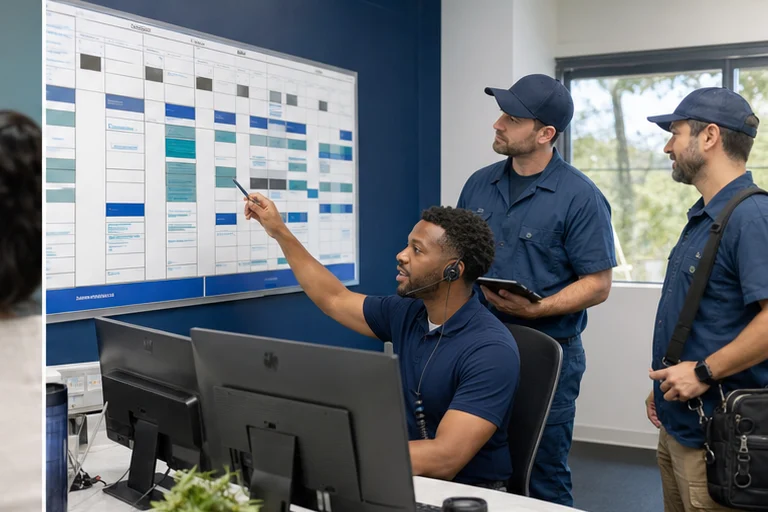



Automation creates value when it removes a repeated coordination burden. For a home-service company, that usually means helping a customer reach the right service, getting the request into the operating system, and keeping the team and customer informed without duplicate entry.
Why this matters now
The strongest starting points sit between departments: marketing to call handling, intake to dispatch, booking to confirmation, completed work to review request, or old estimate to follow-up. Those handoffs are frequent, measurable, and easy to lose when systems are disconnected.
The right first automation is a handoff the team already struggles to complete. It should remove a visible queue or duplicate entry point and leave the customer, office, and field team with the same recorded outcome.
Where the workflow usually fails
Automating a broken process
If ownership and booking rules are unclear, automation will reproduce that confusion faster.
Too many systems at once
A smaller first workflow is easier to test and gives the team a clear result to judge.
No human exception path
Safety questions, unusual work, complaints, and valuable opportunities need a defined person and response time.
A better operating path
Trace one request from trigger to completion before selecting tools. Define the information required, the system that owns the record, the approved action, and the person who receives every exception.
- Choose one repeated burdenStart with missed calls, booking, reminders, or another visible queue.
- Define the completed outcomeName the booking, task, update, or handoff that proves work was done.
- Connect only required systemsAvoid adding tools that do not contribute to the result.
- Review exceptionsUse real outcomes to improve questions, rules, and ownership.
A useful pilot includes the untidy cases: duplicate customers, unclear service requests, a failed system connection, unavailable capacity, and a complaint that needs a person. The team should know exactly what happens in each case.
What to measure
Count completed, usable outcomes and the repair work around them. A high automation rate can hide duplicate records, silent failures, or exceptions that waited too long for a person.
- Minutes of manual coordination removed
- Requests completed without duplicate entry
- Exceptions that reached a human on time
Record the current manual time and error pattern for the chosen handoff. Review failures with the team that owns the next step before extending the pattern to another department.
The implementation decision
A useful roadmap grows from completed workflows, not a list of AI features. Prove the first system, document it, and reuse the pattern where the business has similar work.
Implementation checklist
- Choose one repeated handoff with a visible owner
- Define the record or action that marks completion
- Identify the minimum systems and permissions required
- Write rules for duplicates, uncertainty, and failed connections
- Test normal, difficult, and interrupted customer journeys
- Assign monitoring, correction, and change approval to named roles
Field checks before launch
For home-service workflow automation, start with the operating facts that determine a usable outcome: the trigger, required customer and job details, approved decision rules, system owner, expected update, exception path, and proof that the work completed. Write down which system owns each fact, which answers are required, and what the customer may be promised.
Automation should handle repeatable coordination while dispatchers, technicians, and managers retain judgment over safety, pricing exceptions, capacity, and customer commitments. Document that boundary in the script, interface, and fallback path so staff can understand why a request was booked, routed, or held for review.
Run realistic acceptance tests before launch, including missing data, duplicate contacts, integration downtime, changed appointments, after-hours requests, failed notifications, and records that need a person to reconcile. Record the expected customer message, destination record, owner, and recovery action for each case. After launch, review corrections and exceptions with the people who operate the workflow; those examples show where rules, access, or training need to change.
- Name one workflow owner and record the current operating baseline
- Limit AI to approved classifications, drafts, sources, and actions
- Test missing data, duplicates, access failures, and human review
- Measure staff adoption, corrections, exceptions, and usable outcomes
Implement one automation the team will actually use.
Agentic Growth can map the handoff, configure appropriate calling and workflow tools, connect the required systems, and support a measured first release.
Frequently asked questions
Which home-service process should be automated first?
Choose a frequent, rules-based handoff with a clear owner and measurable completed action, such as missed-call recovery, booking confirmation, or an estimate follow-up queue.
What should remain with a person?
Technical judgment, safety decisions, complaints, unusual work, valuable exceptions, and any case the approved rules cannot resolve should have a visible human path.
Is Agentic Growth selling an automation platform?
No. Agentic Growth is an implementation service provider. We configure and connect appropriate tools around the client's process and support the launch.